01 / RUN
Run sessions
A session is one Claude Code, Codex or shell process in a project folder. OH starts it in a detached terminal holder, so it outlives the window, app updates and supervisor restarts.
Start a session
- Choose File → New Session… (⌘N). Write the prompt first. Return adds a line, ⌘Return starts.
- Pick the Account, Model and Effort. Route explains the choices. Start on chooses this Mac or a paired machine.
- Open Session options for the session type (Agent or Shell), working folder, project and workspace.
The menu bar extra has a quick version of the same form. Agents may also start sessions with `oh-router`.
Work in a session
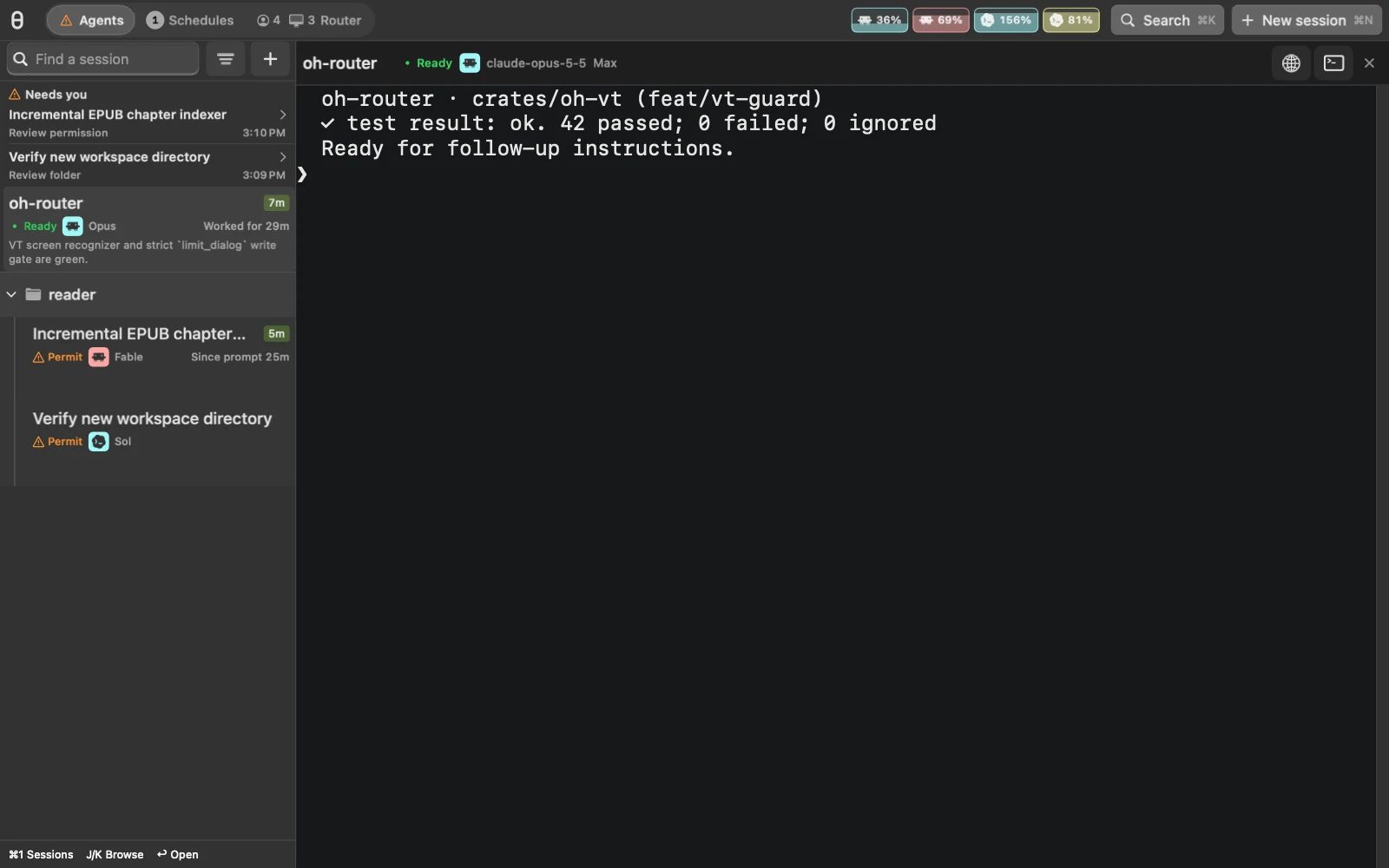
- ⌘J switches between the conversation and the full live terminal. ⌘D opens the agent terminal, a project shell below the agent.
- Each turn shows elapsed time, model, tokens and an estimated API cost. Expand a turn to read earlier responses.
- Paste images or Finder image files into the terminal. ⌘-click a terminal link to open it in the session’s Chrome profile.
- Click the title above the terminal, or press F2, to rename a session.
Close, archive and restore
Closing the window leaves every session running. Close session… stops the terminal and keeps its conversation in history. Archive a session or a whole group to tidy the sidebar, and restore it from Archived items in Router → Activity.
From a terminal
$ oh-router spawn --kind codex --project api --cwd ~/src/api "Fix the failing date parser test"