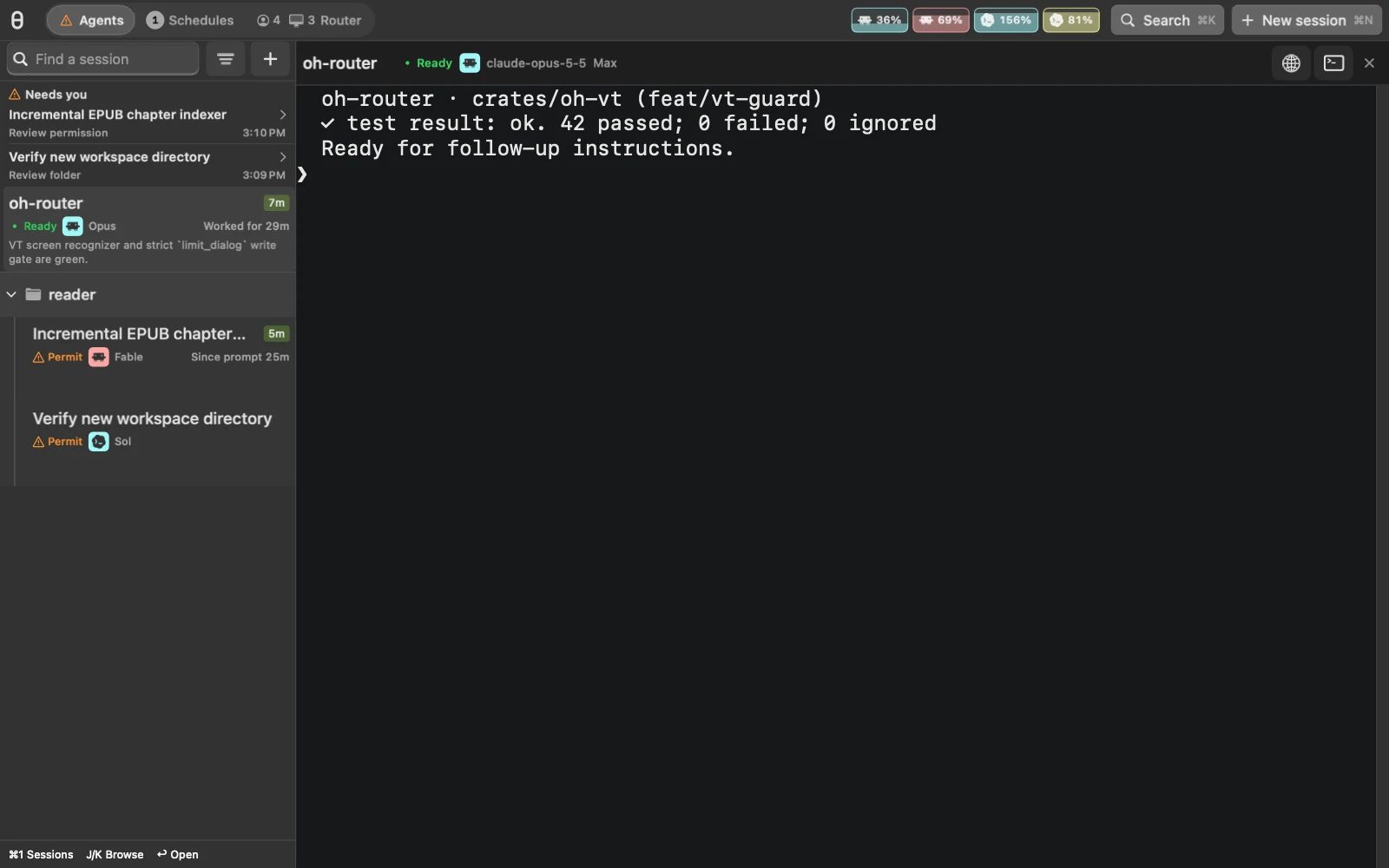
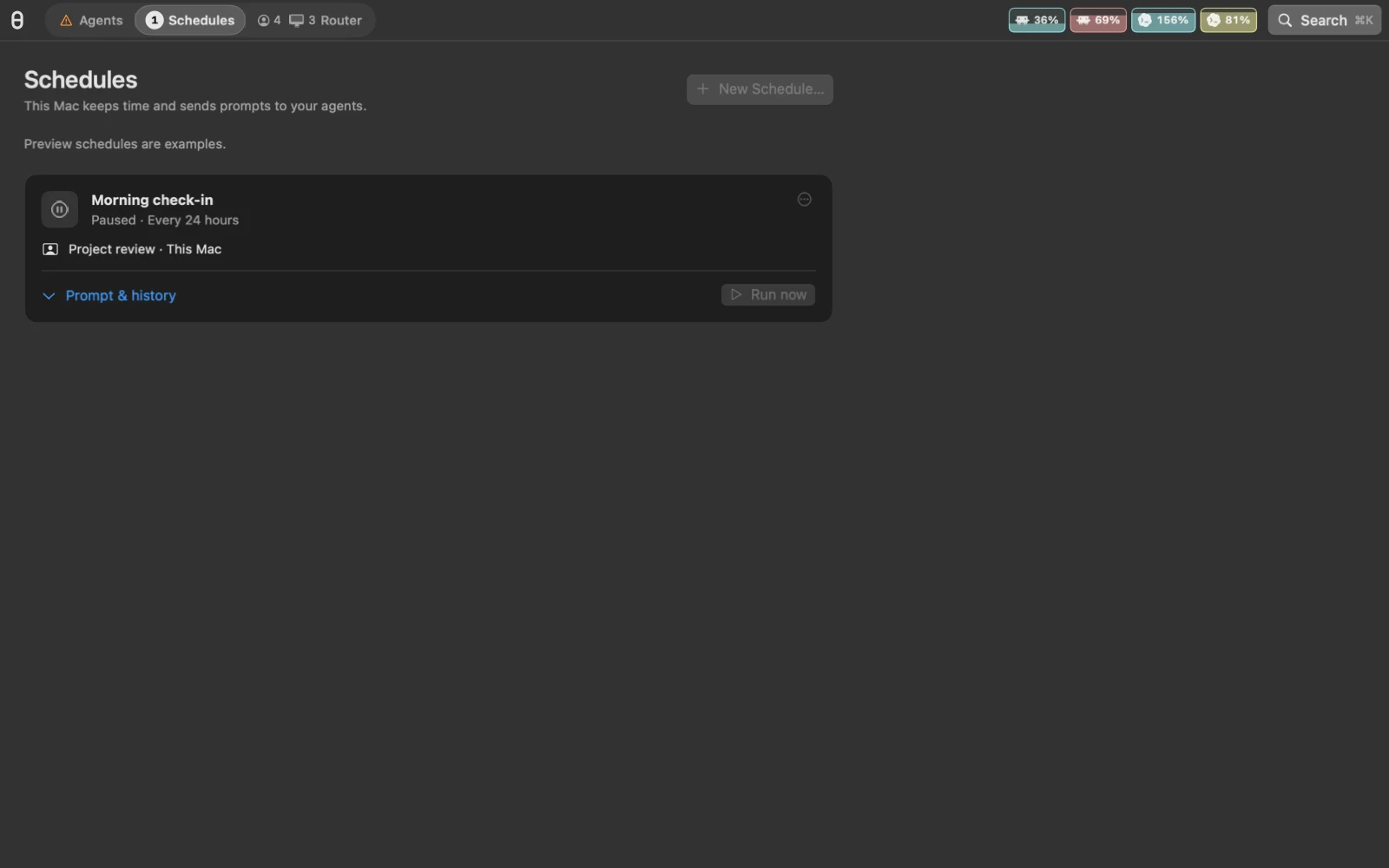
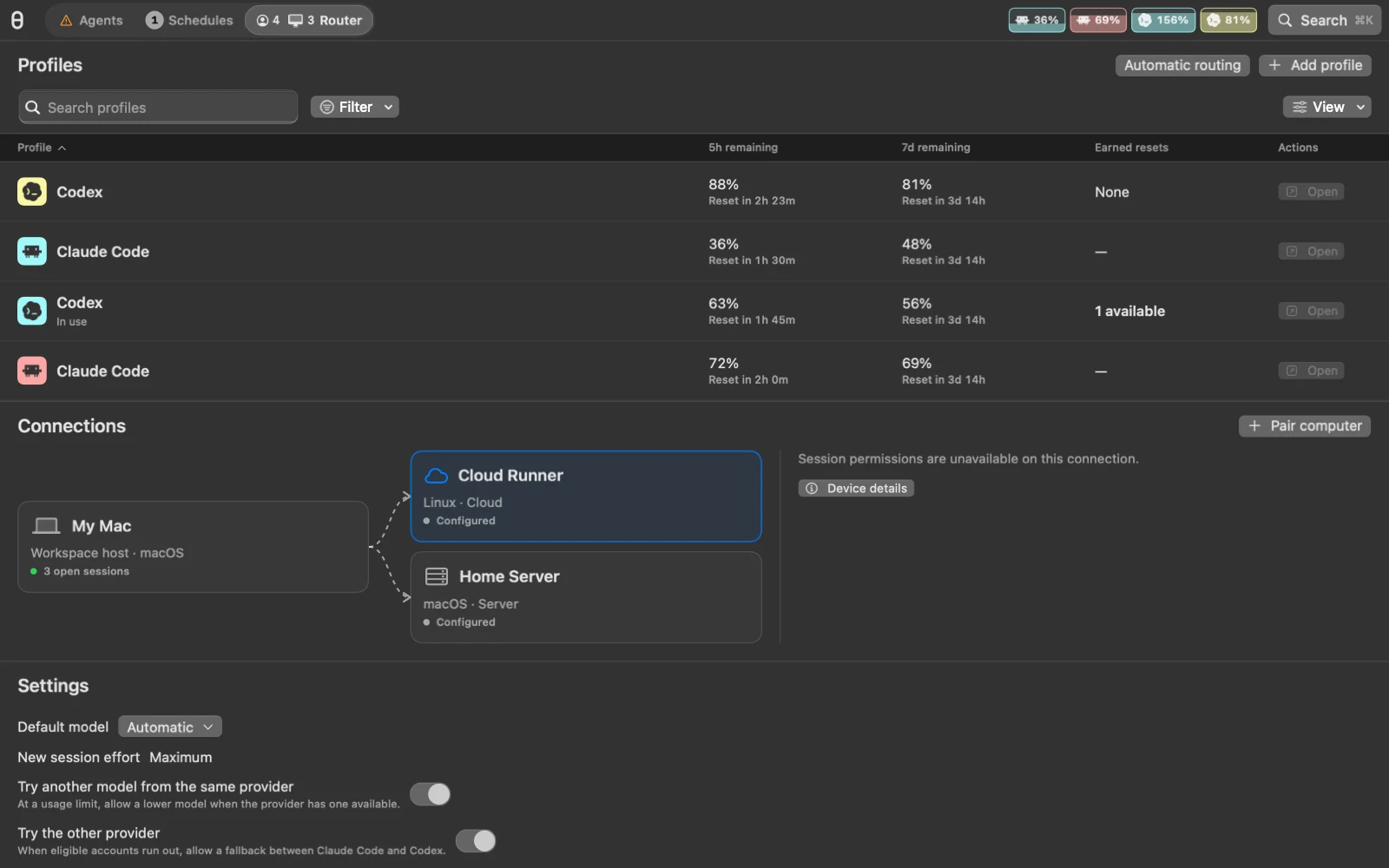
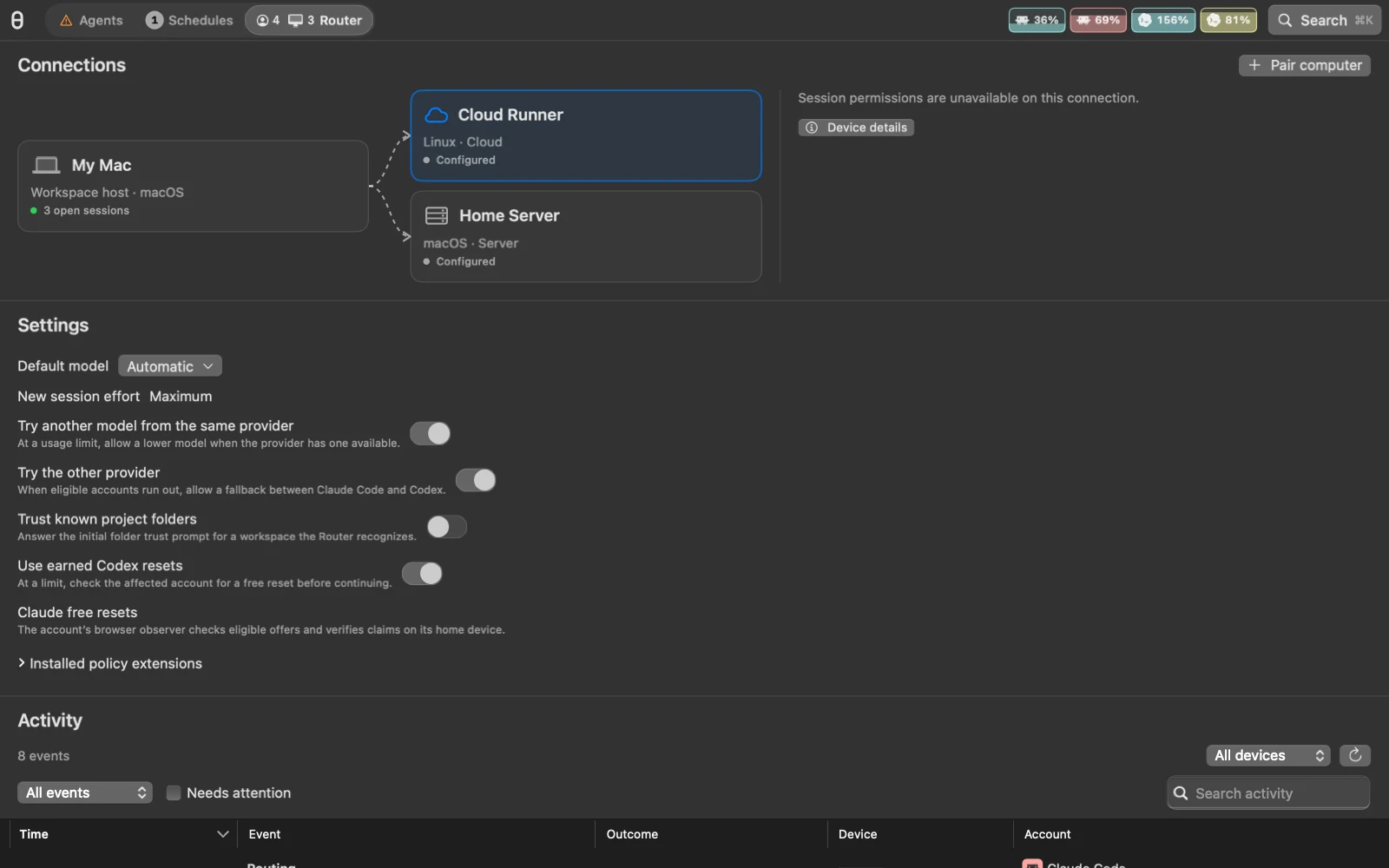
Open Router to find a ready Claude or Codex profile. If you need one, add a profile and follow its Sign-In Instructions. In Agents, press ⌘N to choose a project folder and start your first session.
To drive OH from your terminal, choose Help → Use with Coding Agents and link oh-router. Open a project folder in your terminal and run oh-router ps --json to list the supervised sessions.
Homebrew and agent skill
$ brew install --cask hraness/tap/oh$ npx skills add hraness/product-skills --skill oh